Company memberships without the end-of-month spreadsheet
Sign up company teams, let them share credits, and connect to fitness networks. PineFitness checks who's covered and tracks who turned up.

Sign up company teams, let them share credits, and connect to fitness networks. PineFitness checks who's covered and tracks who turned up.
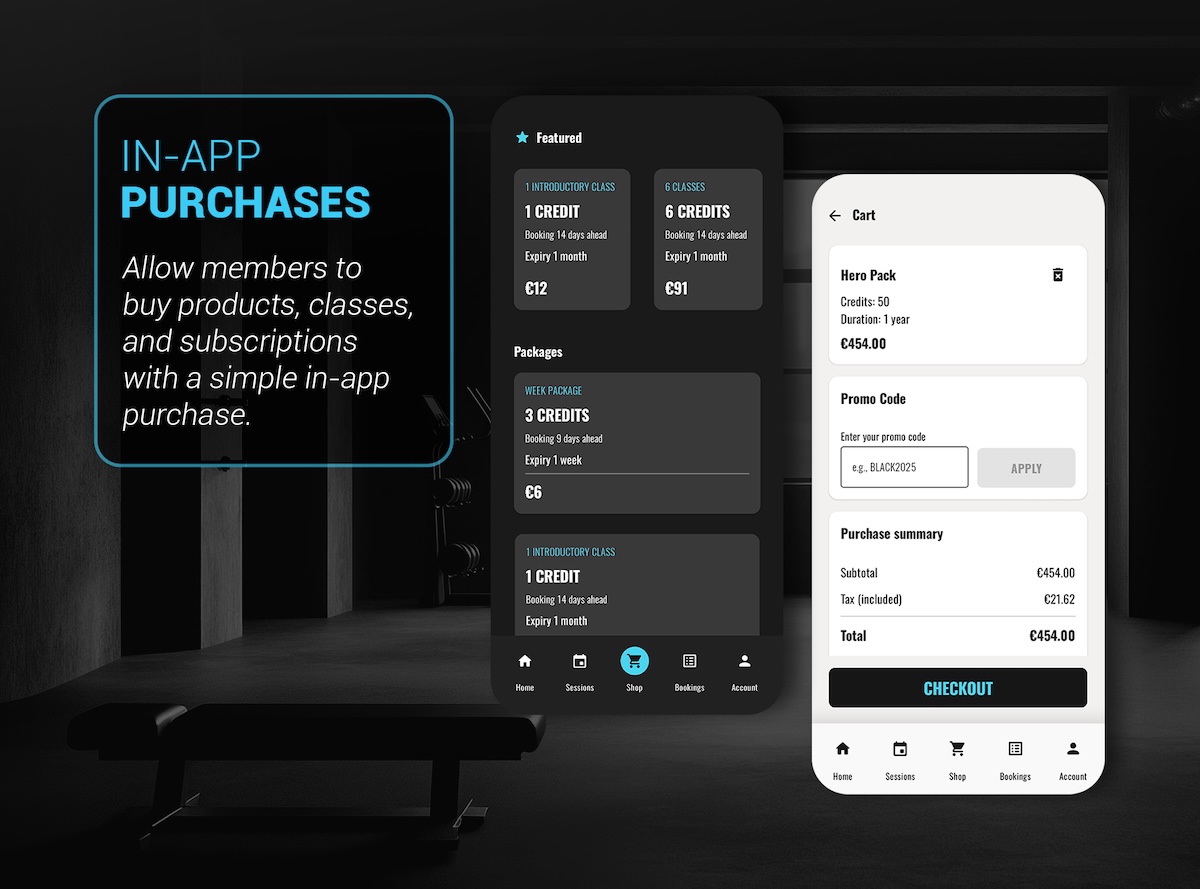
Set up a company group and let staff share one pool of credits. Decide how much each person can use, who's allowed to book, and when credits run out. Then bill the company and see exactly who used what.
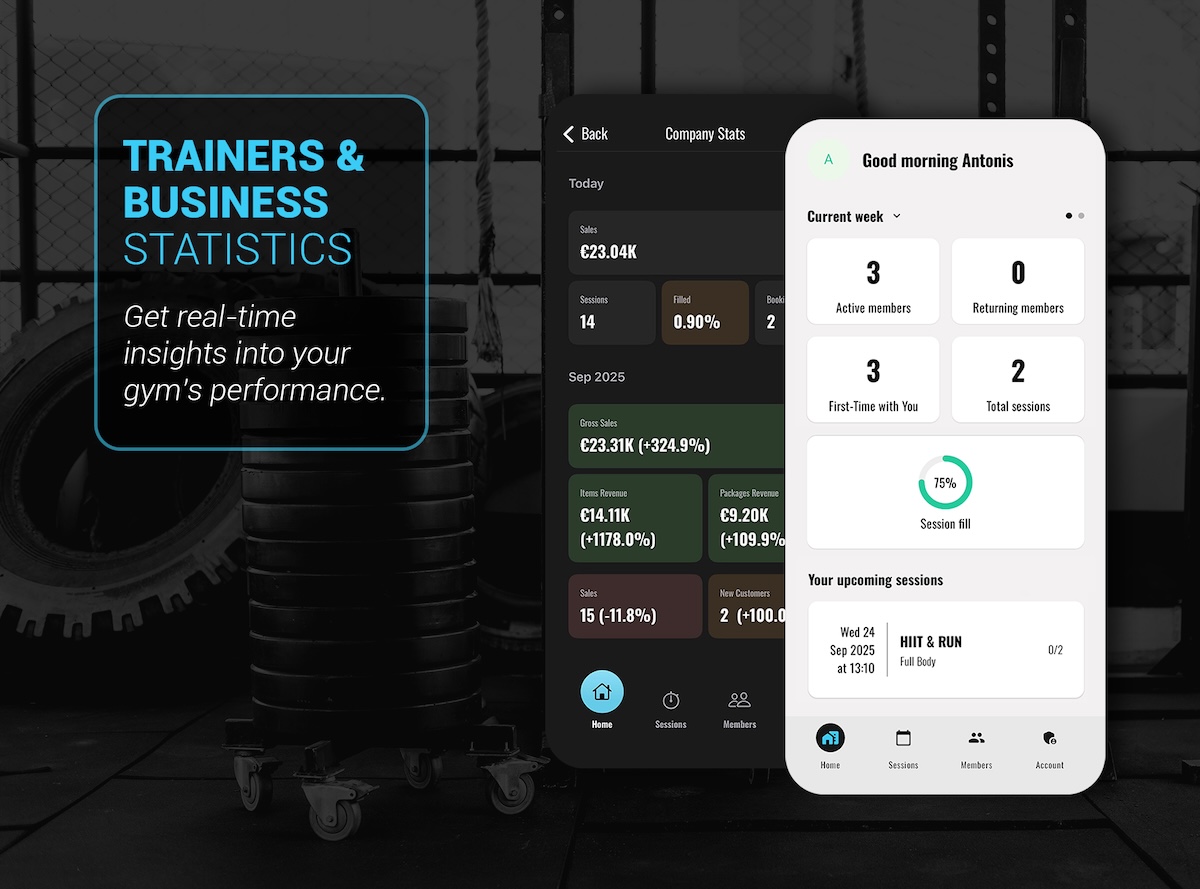
Connect a member to a corporate fitness network and PineFitness checks they're covered before adding them to the right group. If they're already in, it won't add them twice.
Attendance from the network is pulled in and matched to bookings, marking each as attended or a no-show, no checking by hand.
Set how much each person can use, who can book, and when credits expire, so shared access never gets out of hand.
Invoice the company, issue credit notes, and see usage per person and per group alongside the rest of your sales.
Yes. A company group can share credits, and you set how much each person can use, who can book, and when credits expire.
Yes. You can connect a member to a partner network, and PineFitness checks they're covered before adding them to the company group.
Attendance from the partner is pulled in and matched to bookings automatically, so each one is marked as attended or a no-show.
Tell us about the companies or networks you work with, and we'll show you how group access and attendance work in PineFitness.