Online classes that work just like your in-person ones
Add a link to any class and members join live from their phone, same booking, spots, waitlists, and credits as in the studio.
Add a link to any class and members join live from their phone, same booking, spots, waitlists, and credits as in the studio.
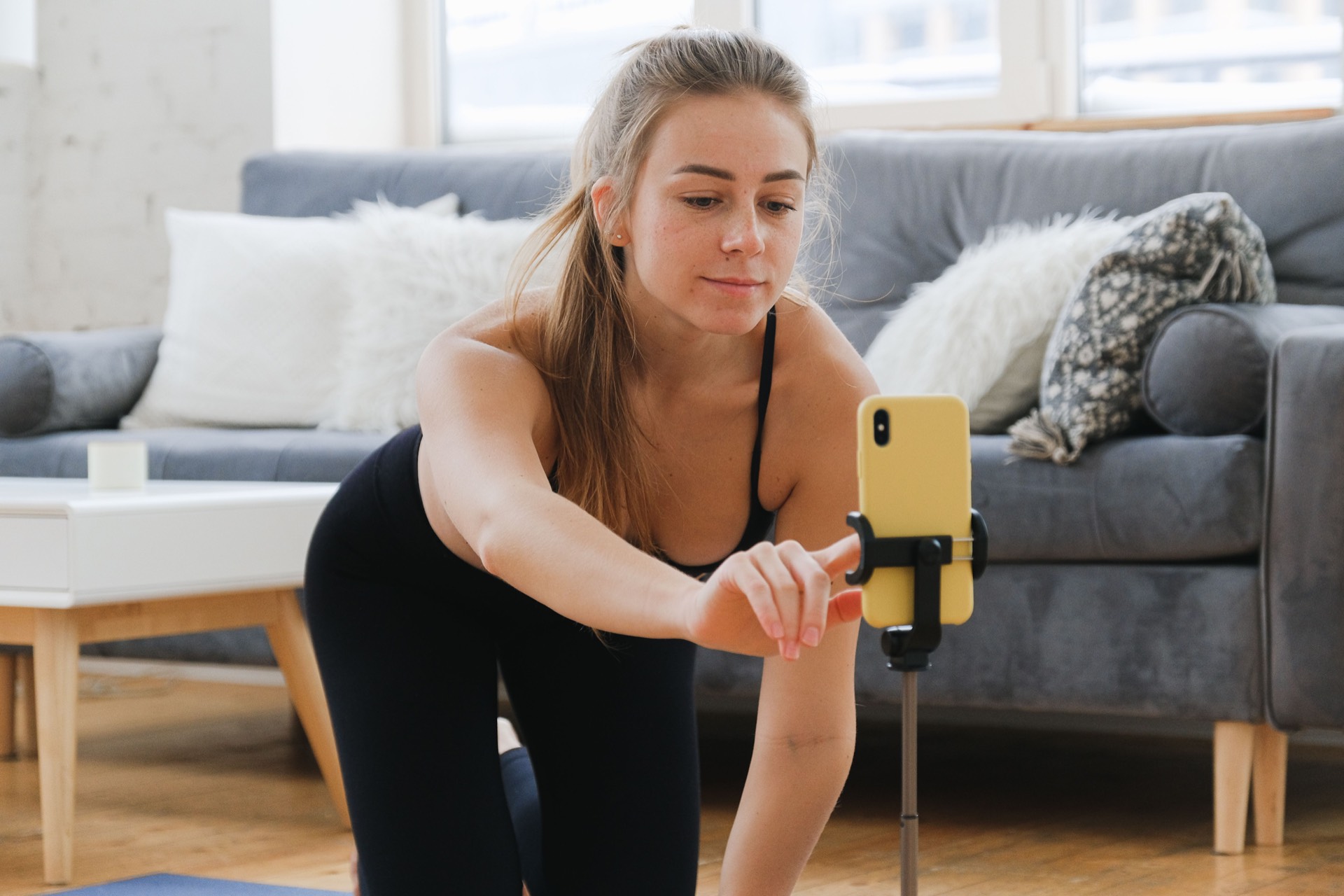
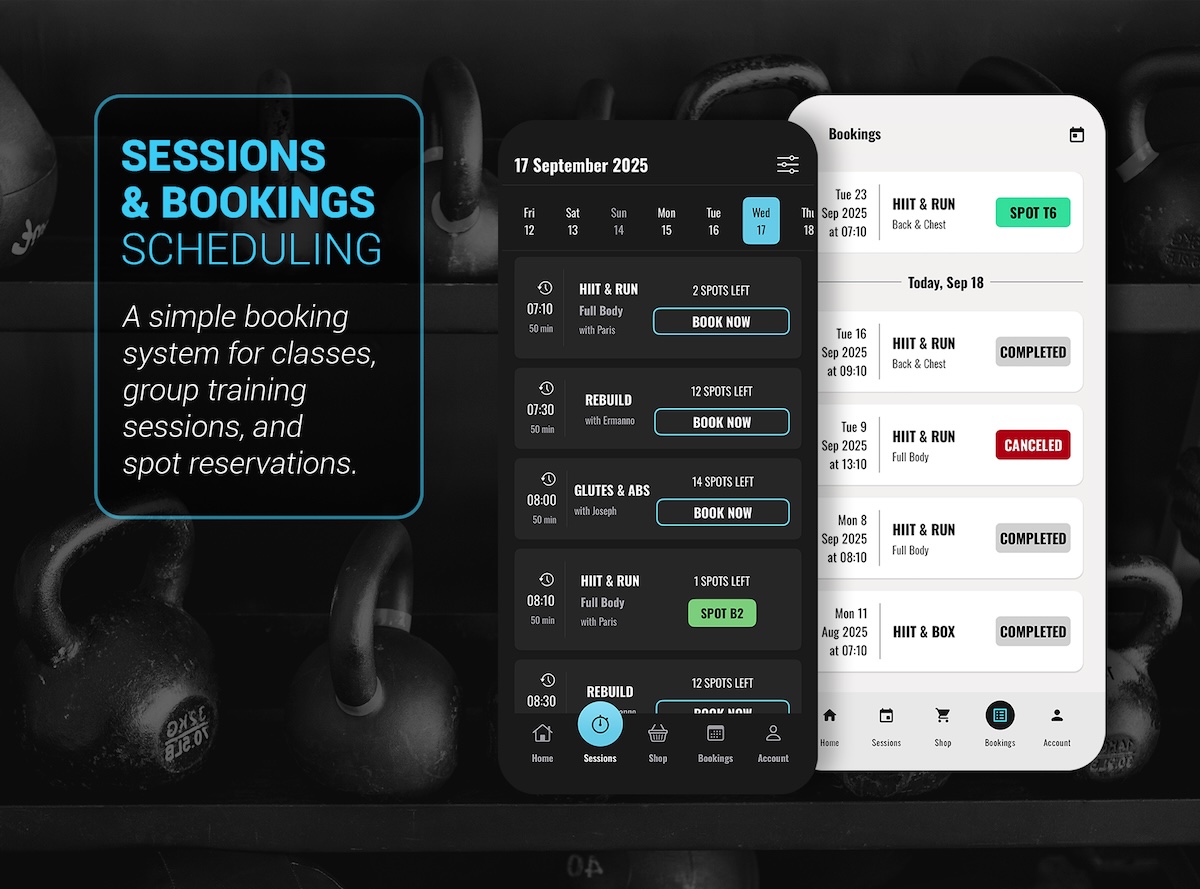
Members pick a class and book a spot. For a live or hybrid class, they just tap through to the link when it is time. The same rules, reminders, and waitlist apply whether they come in or join from home.
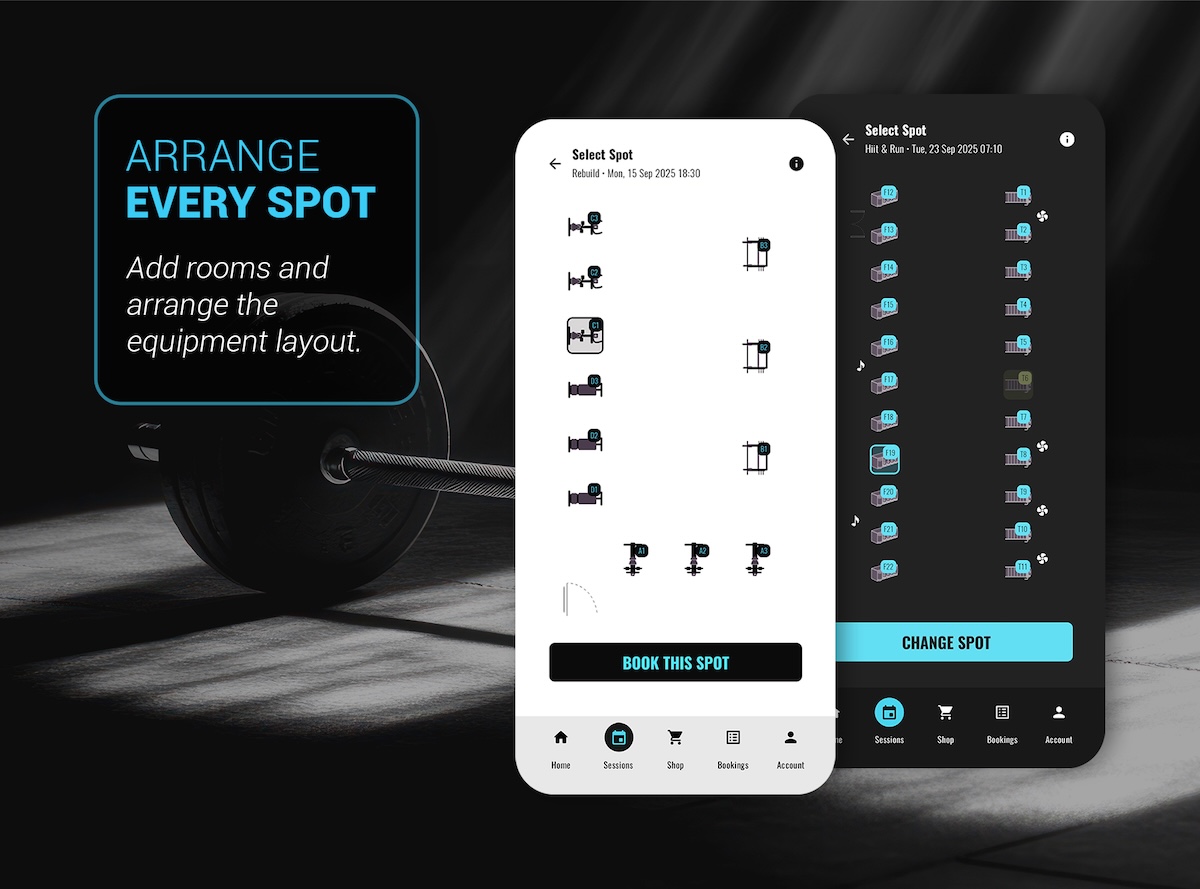
Set how many places a class has, and online and in-person bookings share that same limit and the same credits. Nothing is counted twice, and there's no separate online wallet to keep track of.
Set a default link on a class, change it for a week, or set it for a single session. Members only ever see the right one.
Reminders link straight to the booking, so nobody is hunting for a link two minutes before a live class starts.
Online classes use the same waitlists, cancellation windows, and late-cancel rules that keep your in-person classes full.
Yes. Each class can have its own link, and members tap straight to it from their schedule once they've booked.
Yes. A hybrid class uses the same booking, spots, waitlist, and credits as an in-person one, so you only manage one schedule.
Yes. Online and hybrid classes use the same memberships, packages, and credits members already have.
Tell us which classes you run live, online, or both, and we'll show you how it looks in PineFitness.